Refresh Your Editorial Design with a Vacation-Ready Layout
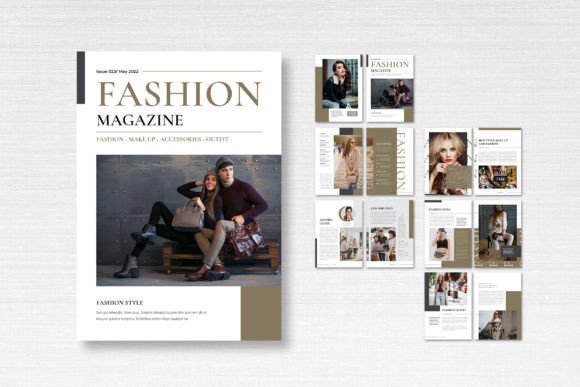
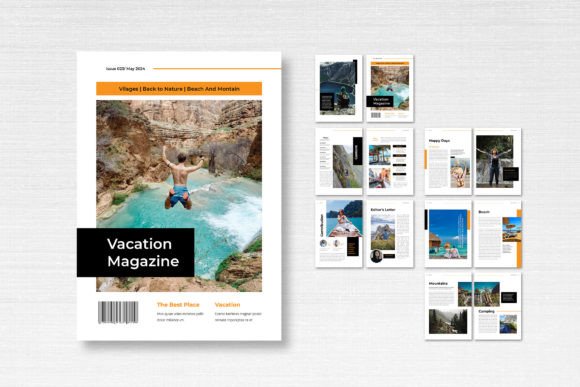
There is a specific kind of energy that a vacation brings—relaxed, bright, and full of potential. Capturing that feeling on the page, whether you are putting together a lookbook, a seasonal catalog, or a travel journal, can be surprisingly difficult if you are starting from a blank canvas. You want that breezy, professional aesthetic without spending hours aligning margins and resizing text frames. This is where having a robust starting point changes the game for designers, marketers, and content creators alike. We are looking at a specific asset today: the Magazine Template – Vacation Theme. It is not just a collection of pages; it is a structured, fully editable framework designed to give your editorial projects an immediate sense of polish and cohesion.
One of the standout aspects of this particular resource is its technical readiness. It is built on a standard A4 framework (21cm x 29.7cm), which is the industry standard for international print, but it also translates well to digital PDF distribution. The file comes prepared with 300 DPI resolution and CMYK color formatting. If you have ever sent a file to print only to receive a washed-out proof because you forgot to convert from RGB, you know how vital this pre-press setup is. The inclusion of a 3mm bleed is another small but critical detail that prevents those annoying white edges on professional prints. For anyone using Adobe InDesign, this template slots right into your workflow, utilizing smart layers and neatly organized assets so you are not digging through a mess of locked objects.
Why Structure Matters More Than You Think
When we talk about design assets like the Magazine Template – Vacation Theme, we are really talking about visual consistency. In branding and marketing, consistency builds trust. If your social media graphics look disjointed from your printed catalogs, or if your internal newsletters jump between different layouts every week, your audience subconsciously perceives a lack of professionalism.
This template offers 14 custom pages, including the front and back covers. That is enough real estate to tell a complete story without overwhelming the reader. Think about the last time you flipped through a high-end magazine or a luxury catalog. The flow of the pages—the rhythm of full-bleed images against text-heavy spreads—is what keeps you turning pages. By using a pre-designed layout, you are borrowing the intuition of a professional editorial designer. You get the benefit of balanced white space and logical hierarchy without having to reinvent the wheel for every project.
Practical Applications Beyond the Travel Blog
While the name suggests a focus on travel, the utility of a clean, airy layout extends far beyond vacation photos. The "vacation theme" is essentially a design philosophy: it emphasizes clarity, openness, and a modern aesthetic. Here is how different professionals can leverage this specific format:
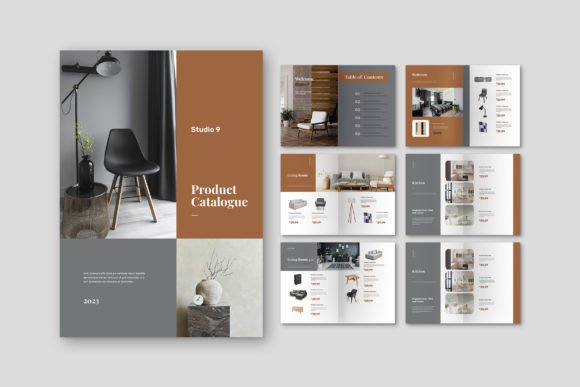
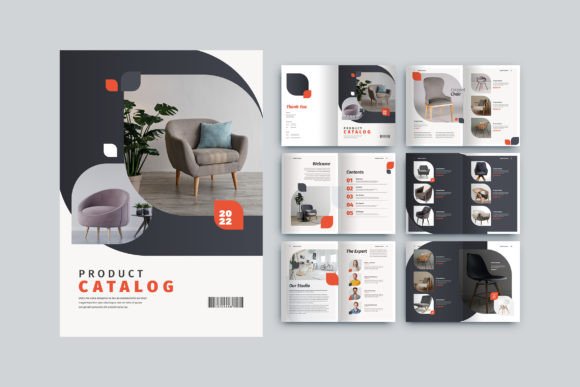
- For Branding and Packaging: If you are launching a summer product line—skincare, beverages, or resort wear—you can use this template to create a "lookbook" or a line sheet. It allows you to present your product photography alongside pricing and descriptions in a format that looks expensive and established.
- For Digital Products and Content Creators: Bloggers and influencers often monetize their audiences by selling digital guides. This template is perfect for a "Travel Guide to Bali," a "Summer Meal Prep Planner," or a "Capsule Wardrobe Lookbook." The 14 pages are ample room for a lead magnet that offers real value.
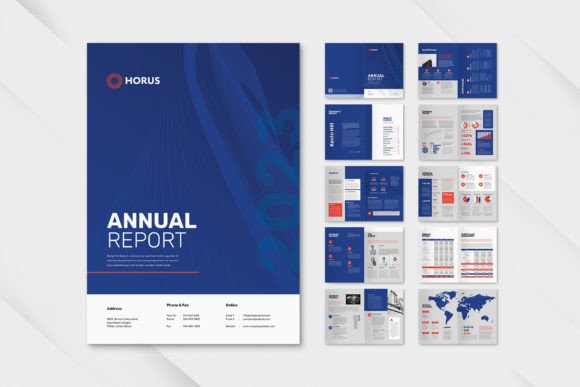
- For Marketing Assets: Marketing teams can repurpose this layout for quarterly reports or internal culture magazines. The professional spacing ensures that charts, graphs, and pull-quotes are easy to read, which is essential for data-heavy content.
- For Print Materials and Invitations: With a little tweaking, the cover pages can be extracted and reformatted into high-end invitations for destination weddings or corporate retreats.
Customizing the Vibe: Fonts and Imagery
A template is only as good as the content you pour into it. One of the constraints—and strengths—of this design asset is that it relies on free fonts available through DaFont or Google Fonts. This is a massive advantage for small business owners and freelancers who need to keep costs down. You do not need to purchase an expensive premium font license to make this template look professional. You simply download the recommended typefaces—likely a mix of a clean sans-serif for body text and a stylish display font for headers—and install them.
Typography plays a massive role in the "vacation" feel. If you are aiming for a luxury resort vibe, you might pair a high-contrast Serif font with plenty of letter-spacing. If you want a more adventurous, backpacker feel, a handwritten script font for headers combined with a sturdy sans-serif for readability works wonders. The template provides the skeleton, but your font pairing choices provide the personality.
It is also important to note that the images used in the preview are placeholders. This is actually better for you. It forces you to visualize your own assets in the space. When you drop your own high-resolution photography into the smart layers, the template transforms from a generic "vacation" layout into a bespoke piece of editorial design unique to your brand.
Streamlining Your Workflow
Time is money, especially if you are a solopreneur or a lean team. Manually setting up a 14-page document in InDesign involves creating master pages, defining paragraph styles, setting up baseline grids, and managing color swatches. This template has already done that heavy lifting.
Because the layers are neatly organized, you can easily swap out colors to match your brand identity. Does your brand use a specific shade of coral or navy? You can globally change the accent colors in the template in a matter of seconds using the Swatches panel. This adaptability ensures that the final product feels like "you," not like a generic template everyone else is using.
Furthermore, the 300 DPI CMYK setup ensures that what you see on your screen is close to what you get from the printer. This removes the guesswork and the back-and-forth with print shops, saving you from costly reprints. Whether you are printing a short run of lookbooks for a client meeting or a large batch for a trade show, the technical specifications are already optimized for commercial printing standards.
Final Thoughts on Versatility
The beauty of a well-constructed magazine template lies in its ability to adapt. It is a tool that serves the graphic designer rushing to meet a deadline just as well as it serves the hobbyist wanting to preserve their family vacation memories in a beautiful format. It bridges the gap between amateur layouts and professional publishing.
By focusing on the structural integrity of the design—the A4 sizing, the bleed, the organized layers—you are freed up to focus on what actually matters: your message and your visuals. Whether you are crafting a portfolio piece, a client presentation, or a product catalog, starting with a solid foundation like the Magazine Template – Vacation Theme ensures that the final result is polished, cohesive, and ready for the real world.